
RSL Helper not launching on Windows—How to fix
Introduction When RSL Helper fails to launch, the cause is typically an issue with the host Windows operating system’s security settings, required support files, or permissions, rather than a bug in the application itself. Common Launch Problems Explained Common launch problems explained usually involve the system actively blocking the program’s execution due to strict security […]
How to Completely Uninstall RSL Helper—Full Removal Guide
Introduction A standard uninstallation typically only removes the core executable files, retaining a web of configurations and cached data. These remaining files are the primary cause of installation loops, where a new version of the software inherits the bugs of the old one. Achieving a total wipe is necessary to uphold binary integrity and prevent […]
Fix RSL Helper Portable Settings Not Saving Issue
Introduction The RSL Helper portable version is designed to carry its settings, configurations, and user data within its own folder structure. When these settings fail to save, it is almost always a file system issue; the application is denied the necessary rights to write data back to its own folder. Understanding Portable Mode Limitations Understanding […]
RSL Helper Display Issue: Blank Interface Solution
Introduction When RSL Helper Display Issue successfully initializes as a background process but fails to render its graphical window, the application has encountered a display-related failure. This state is especially annoying because the core logic is running, yet the user cannot interact with the tool. Fixing this requires a focused approach that targets the system’s […]
RSL Helper Opens and Closes Immediately—How to Stop the Crash
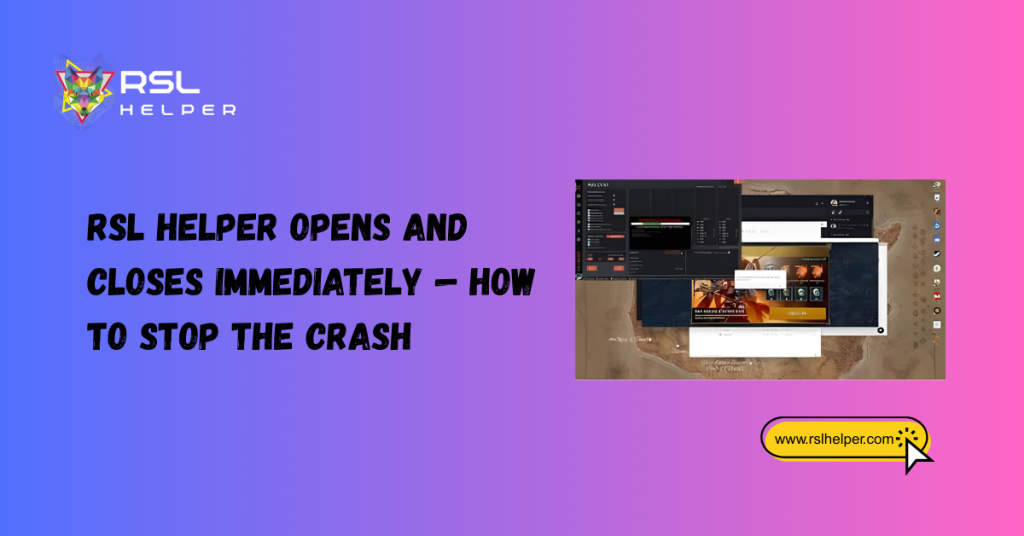
Introduction An instant crash, often called a hard crash, occurs when RSL Helper’s main executable launches but terminates immediately without displaying an interface or producing a clear error message on screen. This failure mode indicates a critical system-level obstruction that prevents the application from initializing its core processes or retrieving required runtime components. Why the […]
RSL Helper Not Detecting Device: Easy Fix for USB & Connection Issues
Introduction RSL Helper relies on a stable, recognized connection to interact with the game or device environment. When the application fails to “see” or detect the connected device, it means the crucial communication bridge, typically the USB connection and its associated drivers, is broken. This is a system-level failure that must be addressed outside of […]
Fix Frequent Device Disconnects in RSL Helper: Power, Drivers & Cable Solutions
Introduction For RSL Helper device which relies on a consistent, uninterrupted data flow for game automation, frequent device disconnections are a critical failure point. Unlike a complete detection failure, repeated drops suggest a weak, unstable link, a problem that is highly volatile and difficult to isolate. The application begins its routine successfully but is constantly […]
RSL Helper Device Not Found? Enable Developer Mode & Verify ADB Easily
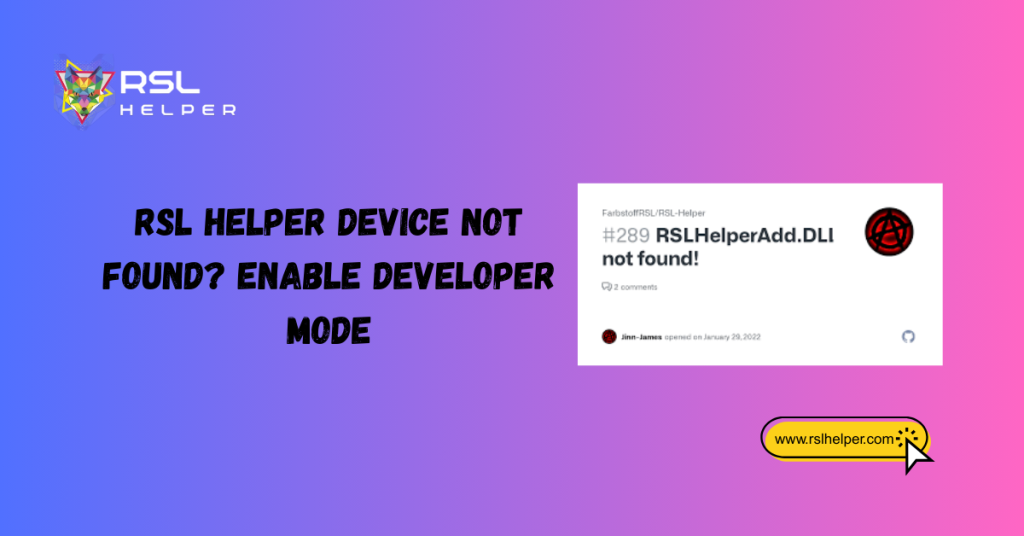
Introduction The RSL Helper device not found” message indicates that the system-level handshake between your PC and your mobile device failed. It is rarely a bug within RSL Helper itself; rather, it is a failure of the bridge that connects the two. Understanding the “Device Not Found” Issue This specific error indicates that the Android […]
RSL Helper Device Recognized but App Fails to Load: Easy Fixes
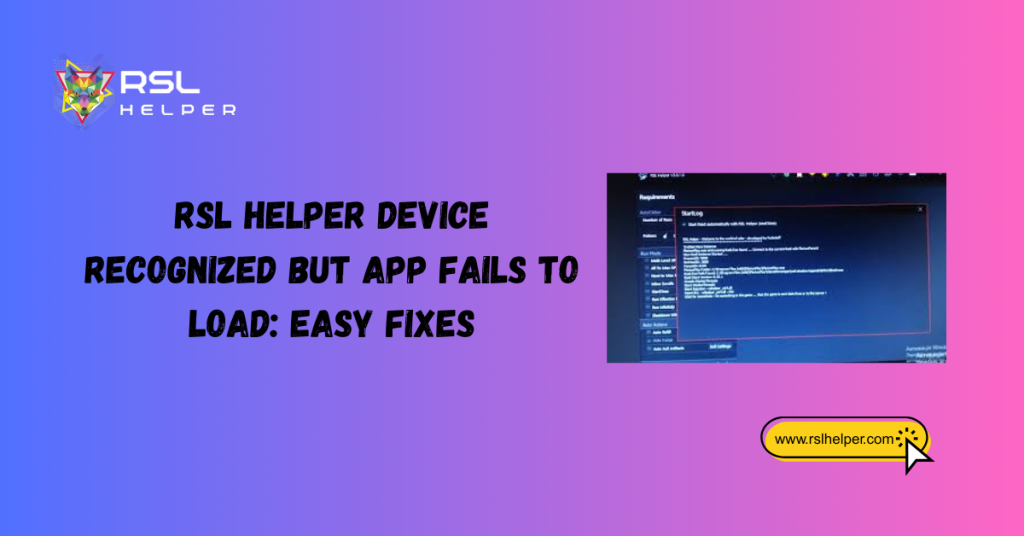
Introduction It is a common point of frustration for many players: your device is correctly recognized by the system, the green “connected” light is on, but RSL Helper simply refuses to load its main interface or execute commands. While device detection is the first hurdle, a successful application launch requires a separate set of internal […]
Best Settings for a Stable RSL Helper Device Connection
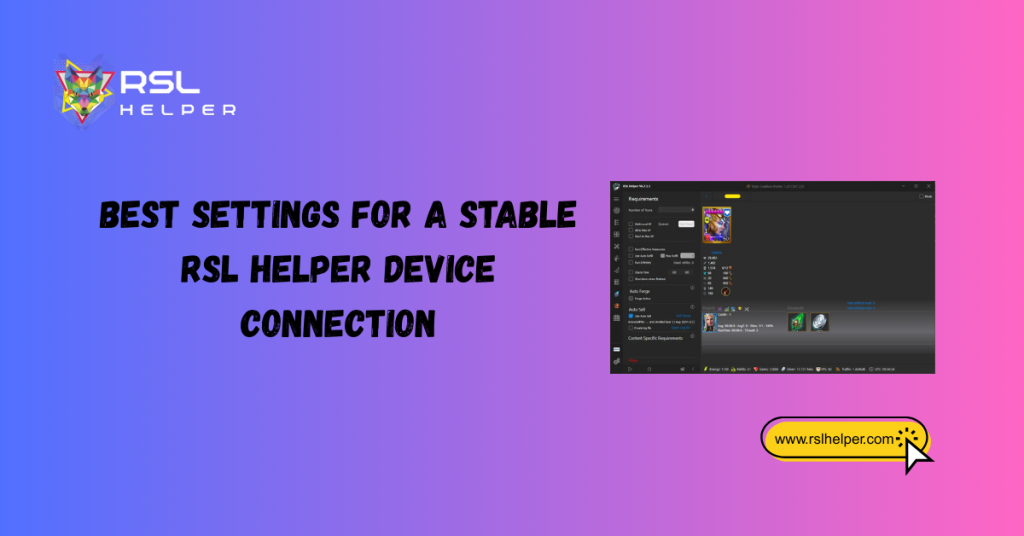
Introduction For any power user of RSL Helper, the “Device Not Found” error or a sudden mid-session disconnect is no more than a minor annoyance; it is a disruption of a carefully planned optimization strategy. Establishing a link between your PC and your mobile device is the first step, but guaranteeing the connection remains rock-solid […]