
RSL Helper Freezing During Operations – Causes and Solution
Introduction When RSL Helper stops responding, it is rarely a simple program fault; it is typically a System Resource Conflict. As the tool injects logic into the game client, it creates a massive stream of data. If the PC cannot process these memory packetsfast enough, the interface locks up to prevent data corruption. Grasping the […]
Understanding RSL Helper Offline Mode Restrictions
Introduction Offline mode in RSL Helper is a state in which the software operates with limited or no active handshakes with external data servers. While the game client itself requires a constant connection, the Helper’s local logic can sometimes be forced into an offline state due to network outages or specific local firewall configurations. This […]
RSL Helper High CPU or RAM Usage Explained

Introduction RSL Helper serves as a link between your hardware and the game’s memory. When this bridge is cluttered with excessive logs or high refresh rates, it consumes more clock cycles than necessary. For players running multiple instances or farming overnight, these small inefficiencies compound into significant system lag. Heavy resource usage explained The software […]
Prevent Crashes During Long RSL Helper Sessions—Stability Tips
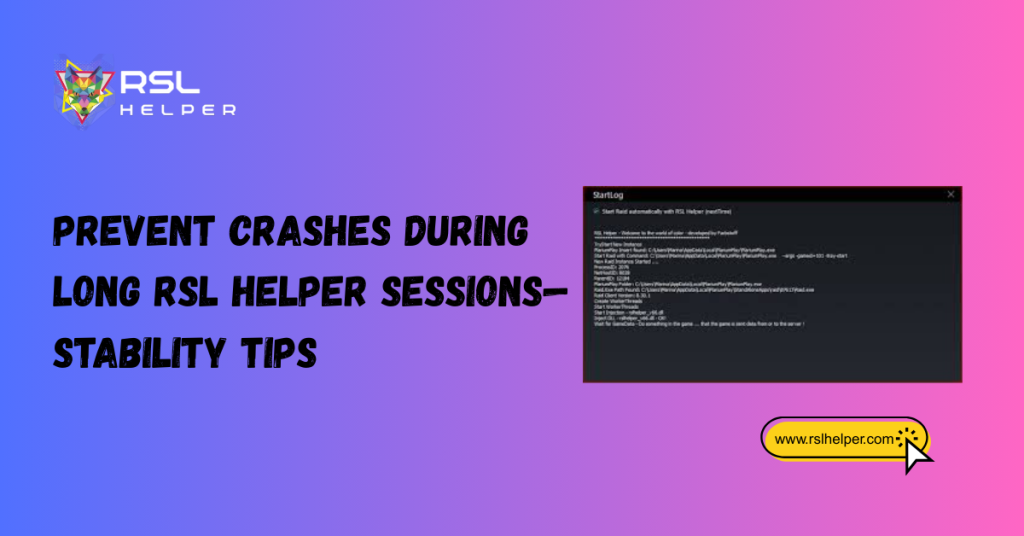
Introduction Extended automation sessions place a unique kind of pressure on a PC. Unlike standard gaming, where a user provides variable input, automation tools like RSL Helper execute thousands of identical hooks into the game client. Over time, these hooks can lead to uninterrupted runtime strain, where the software’s ability to synchronize with the game […]
Best RSL Helper Settings for Stable and Smooth Performance
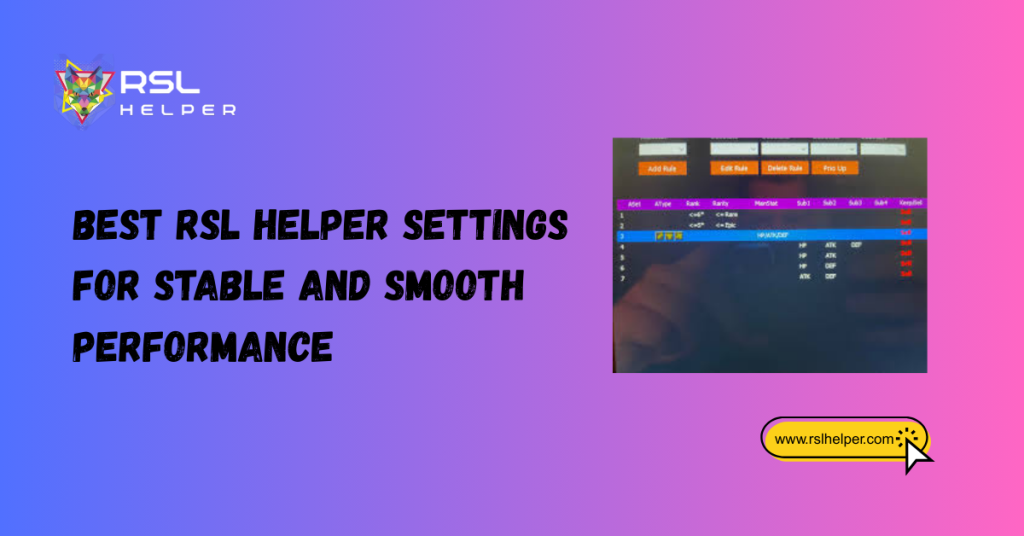
Introduction: In the sphere of game automation, speed is often the enemy of consistency. While it is tempting to push the software to its limits, stable settings act as a safety net for your system hardware. When the RSL Helper setting is configured with stability in mind, it minimizes the CPU overhead and prevents the […]